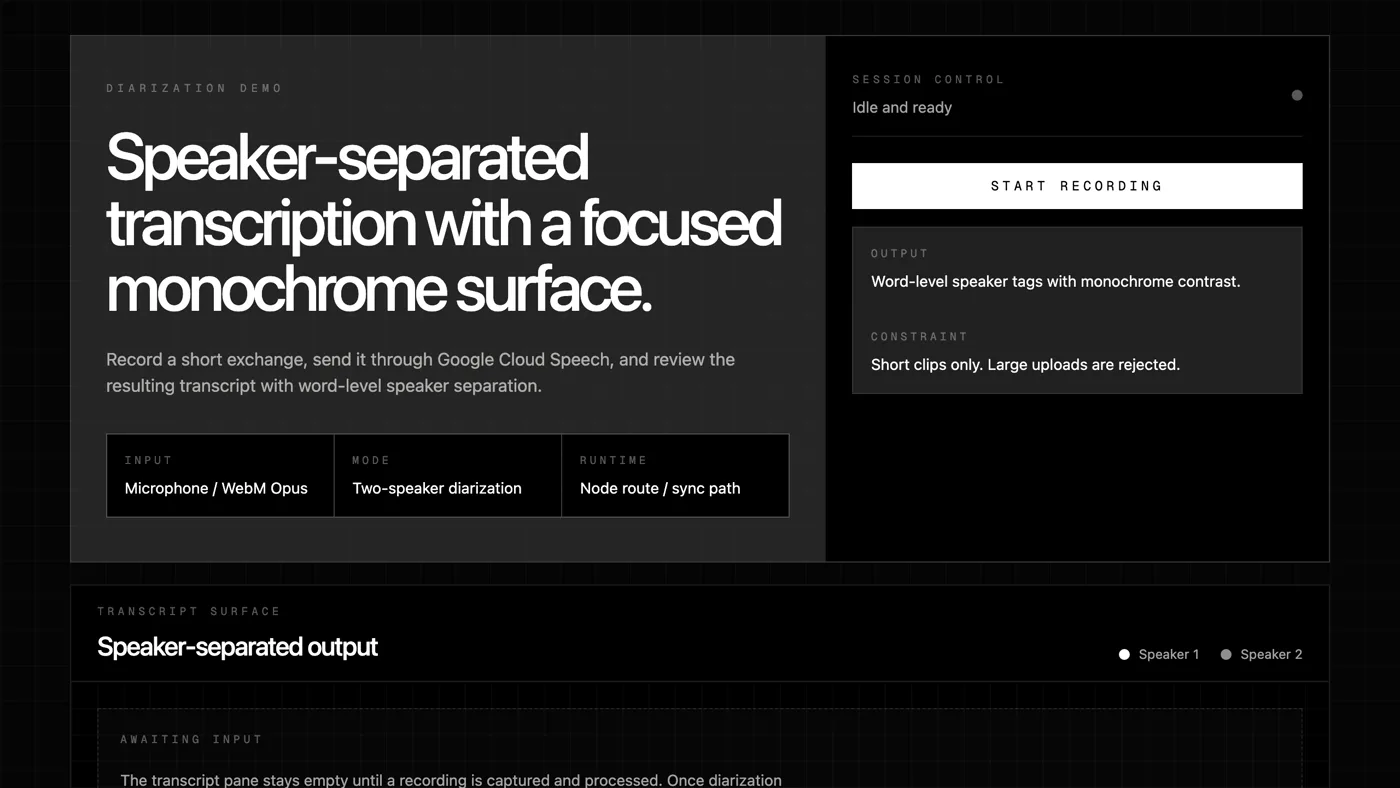
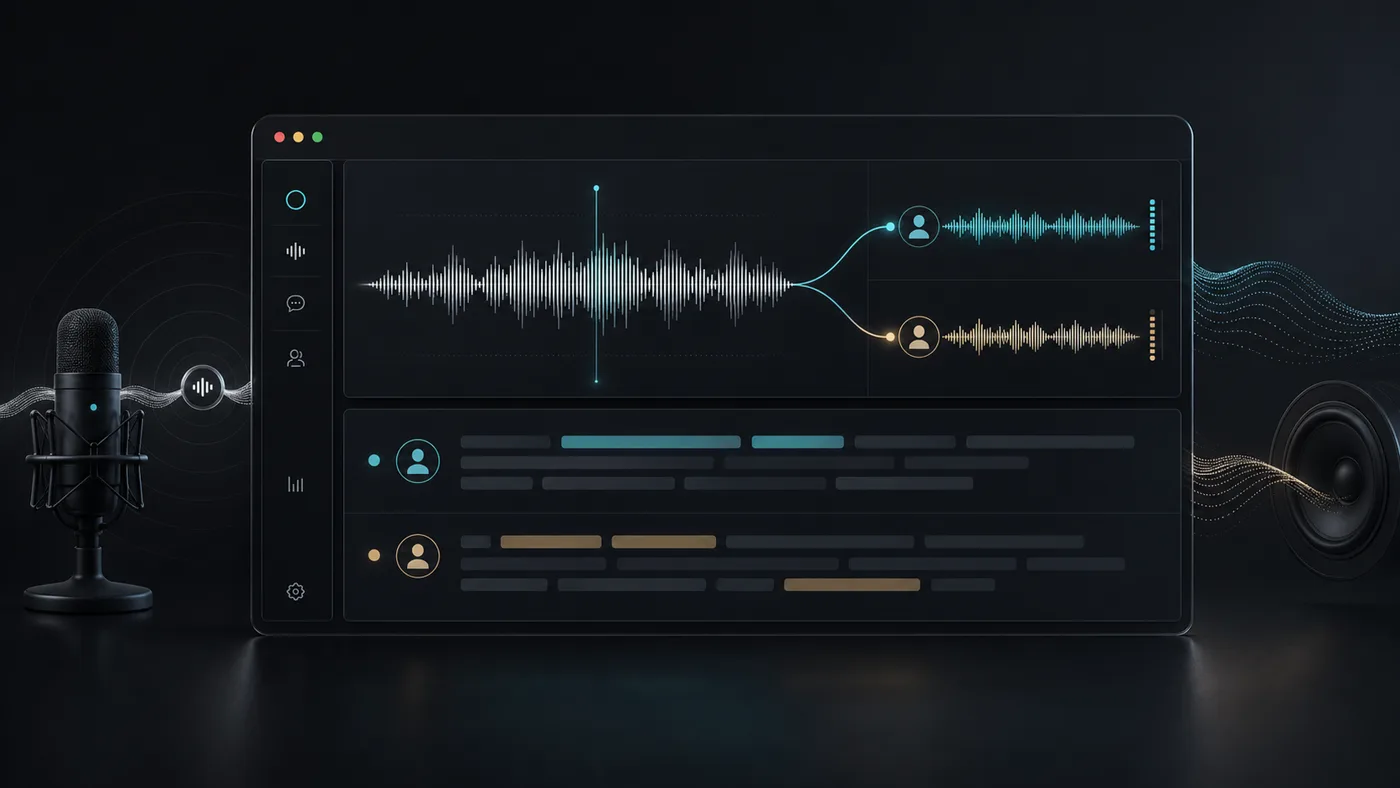
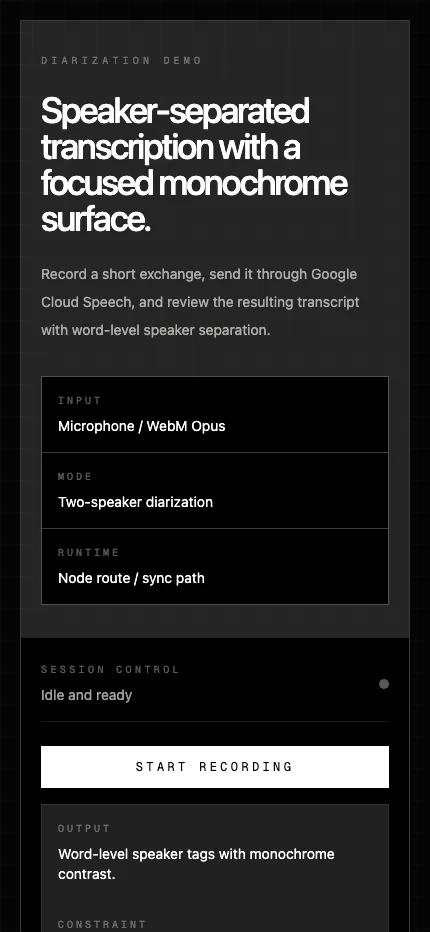
Diarization Demo is now a Next.js application for speaker-separated transcription across multiple backend strategies. The browser captures live microphone audio, system or tab audio, media links, or short WebM uploads, then renders a diarized transcript with per-speaker styling.
The project moved from a single demo into a comparison harness for live, cloud, and local speaker diarization paths.
The app supports several provider paths behind the same UI. AssemblyAI is the deployment-safe live streaming path, Google Cloud Speech-to-Text remains a cloud baseline, and WhisperX runs through a separate Python worker for local ASR, alignment, and pyannote-backed diarization. Parakeet and NeMo are present in the shared provider model, but are still scaffolded for future worker implementations.
That architecture is the main product decision. The Next.js app stays responsible for the browser experience, request validation, provider dispatch, and hosted deployment. The Python worker owns heavy local speech dependencies, model loading, diarization, and model cache persistence.
Heavy local speech models belong in a worker, not inside a Next.js route.
This separation makes the project easier to evaluate. The same recording flow can compare hosted AssemblyAI live capture, Google chunked transcription, and local WhisperX tiny.en without rewriting the UI each time. It also keeps Vercel deployment realistic: the hosted app can run AssemblyAI with only a server-side API key, while self-hosted local diarization lives on Docker or a VPS.
The current repo also hardens the edges around real audio. Direct media links are validated before submission, browser system-audio capture requires explicit user permission, the worker validates decoded audio size, language codes are normalized for WhisperX, and model components are cached between requests.
The design is honest about browser permissions, chunking, model limits, and the difference between deployment-safe and local-only paths.
The important constraint is that not every backend behaves the same way. AssemblyAI streams continuously over WebSocket. Google and local live paths use chunked audio, so speaker labels can reset between chunks. Upload is intentionally limited to WebM audio for the current adapter, and overlapping speech remains difficult for every local path.
The result is less a one-off demo and more a practical diarization workbench. It makes the tradeoffs visible: hosted live speed, cloud baseline behavior, local model control, deployment complexity, and the messy reality of asking software to identify who said what.