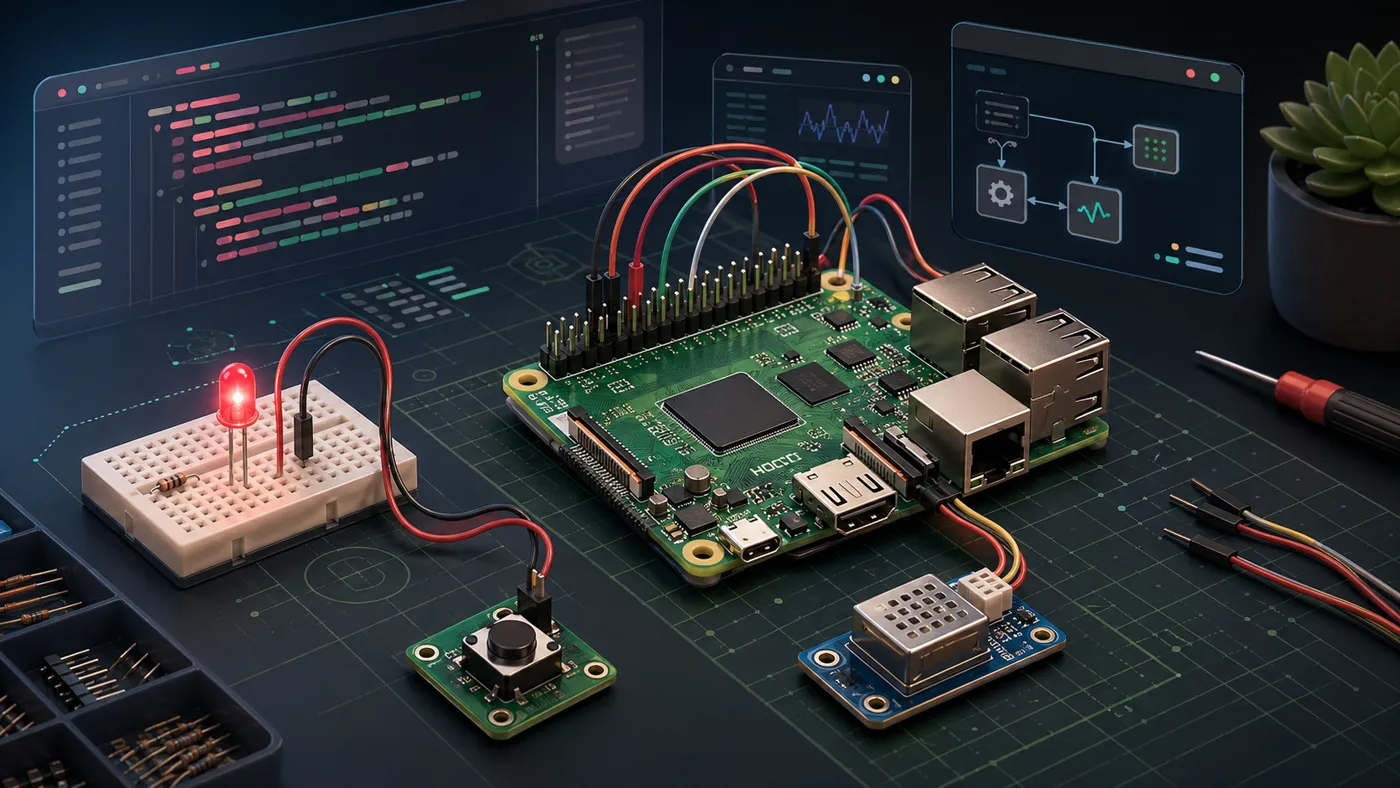
Raspberry Pi Maker is an OpenClaw plugin for people building Raspberry Pi hardware projects. It gives the assistant a focused skill for planning a project, explaining the wiring, generating Python examples, and helping debug when the circuit does not behave as expected.
The useful part is not just code generation. It is the whole path from idea to working circuit.
The goal is simple: make a Raspberry Pi project easier to start and easier to finish. Instead of sending a beginner across scattered tutorials, pinout charts, forum posts, and half-matching code snippets, the plugin keeps the guidance close to the work.
That matters because hardware problems are rarely abstract. A small mistake can be physical: the wrong GPIO numbering mode, a missing resistor, a sensor connected to the wrong bus, or a motor wired directly to a pin that should never drive that load.
Raspberry Pi projects usually fail in small places: a pin number, a missing resistor, a service that did not restart, or a sensor wired one row off.
So the project treats safety and clarity as part of the product. It is built around low-voltage learning projects, clear GPIO guidance, recommended libraries such as gpiozero and RPi.GPIO, and troubleshooting flows for common Raspberry Pi issues.
The repository is packaged as a native OpenClaw plugin. It includes the skill file, supporting reference material, project guides, metadata, and a local validator so the plugin can be checked before it is shared or published.
The plugin keeps guidance, references, project walkthroughs, and validation checks together.
The result is intentionally straightforward. Raspberry Pi Maker is not trying to be a large app. It is a focused guide that helps someone move from "I want to build this" to "I understand how this circuit and code work together."