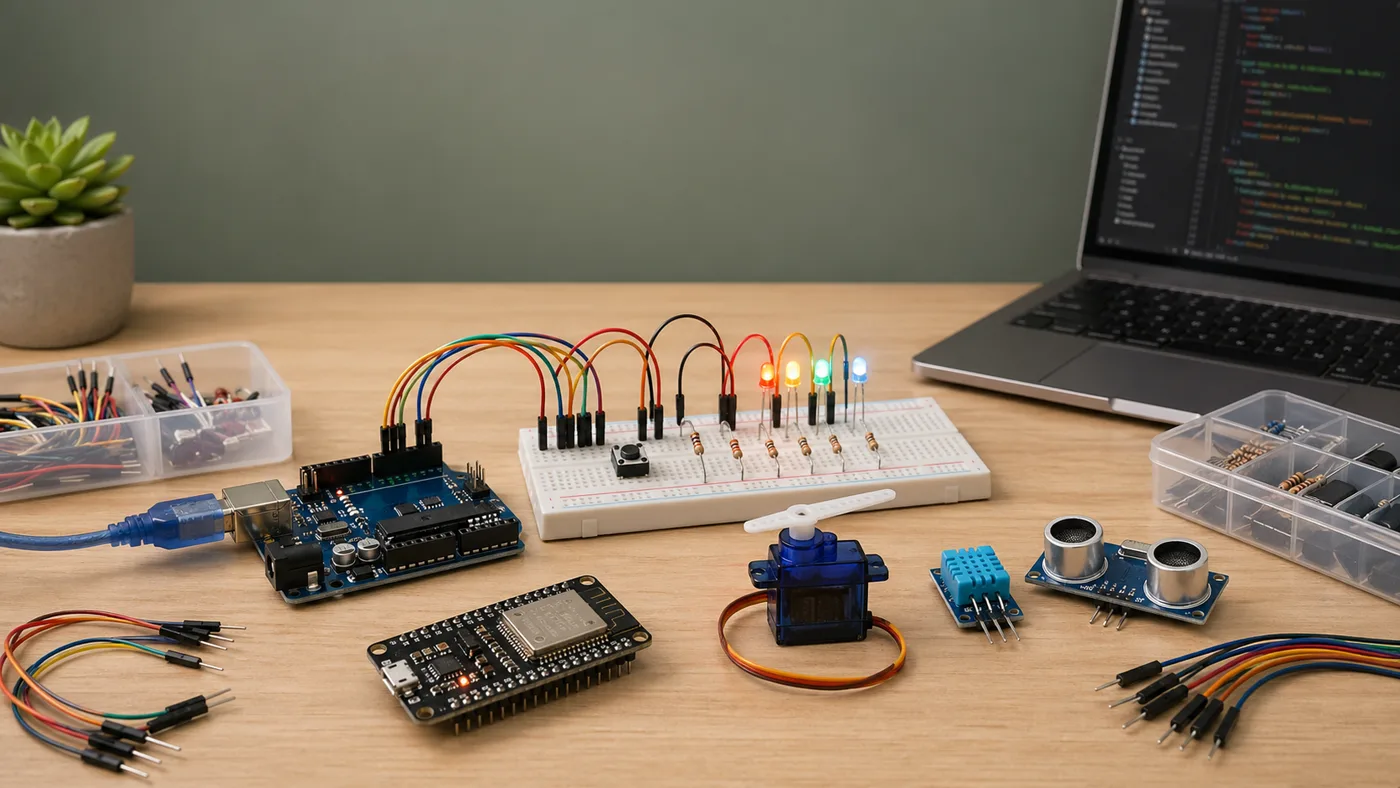
Arduino Maker is an OpenClaw plugin for people building projects with Arduino-compatible boards, ESP32, and ESP8266. It gives the assistant a focused skill for planning circuits, explaining wiring, generating complete sketches, and debugging the bring-up process.
Arduino Maker treats the code and the circuit as one project, not two separate problems.
The useful part is the combination of guidance. A beginner does not only need a code snippet. They need to know which board they are using, what voltage the pins expect, where each component connects, and what to print over serial when the result is unclear.
That is especially important across boards. An Arduino Uno is a friendly 5V starting point. ESP32 and ESP8266 boards are powerful, but they are 3.3V devices with different pin behavior, boot constraints, and Wi-Fi-focused workflows.
A sketch can compile perfectly while the project still fails because the board, voltage, pin mode, or wiring is wrong.
So Arduino Maker keeps the assistant grounded in practical electronics habits: use resistors with LEDs, prefer INPUT_PULLUP for simple buttons, add Serial.begin() and diagnostic prints, and avoid driving motors, relays, or high-current loads directly from microcontroller pins.
The repository is packaged as a native OpenClaw plugin with a lightweight runtime entrypoint and a declared skill root. The value lives in the skill content, references, component notes, troubleshooting checklists, and project prompts.
The plugin packages board references, component guides, project prompts, and validation checks together.
The result is a simple helper for the moment when a project is close, but not working yet. It helps the user reason through the circuit and the sketch together until the board starts behaving in a way they can understand.