The second Codex meetup in London took place on Monday, 8 June 2026.
I attended the second meetup with one clear goal: I was definitely going home with the winner's prize.
When I attended the first meetup, I was blown away that Andy Tyler, the Codex ambassador, saved a spot for people to demo what they had recently built. With the sponsorship of the Codex team, the winners received 12 months of ChatGPT Pro ($200/month). In today's world, tokens are very precious, in my opinion, so having those for 12 months means a big saving and creates the space to build, which I love.
So I attended the second meetup with one clear goal: I was definitely going home with the winner's prize.
The event started and it was filled with interesting people. Some I had met at the previous event, others I met for the first time. When it came to the demo session, I was completely locked in and ready to rock my idea.
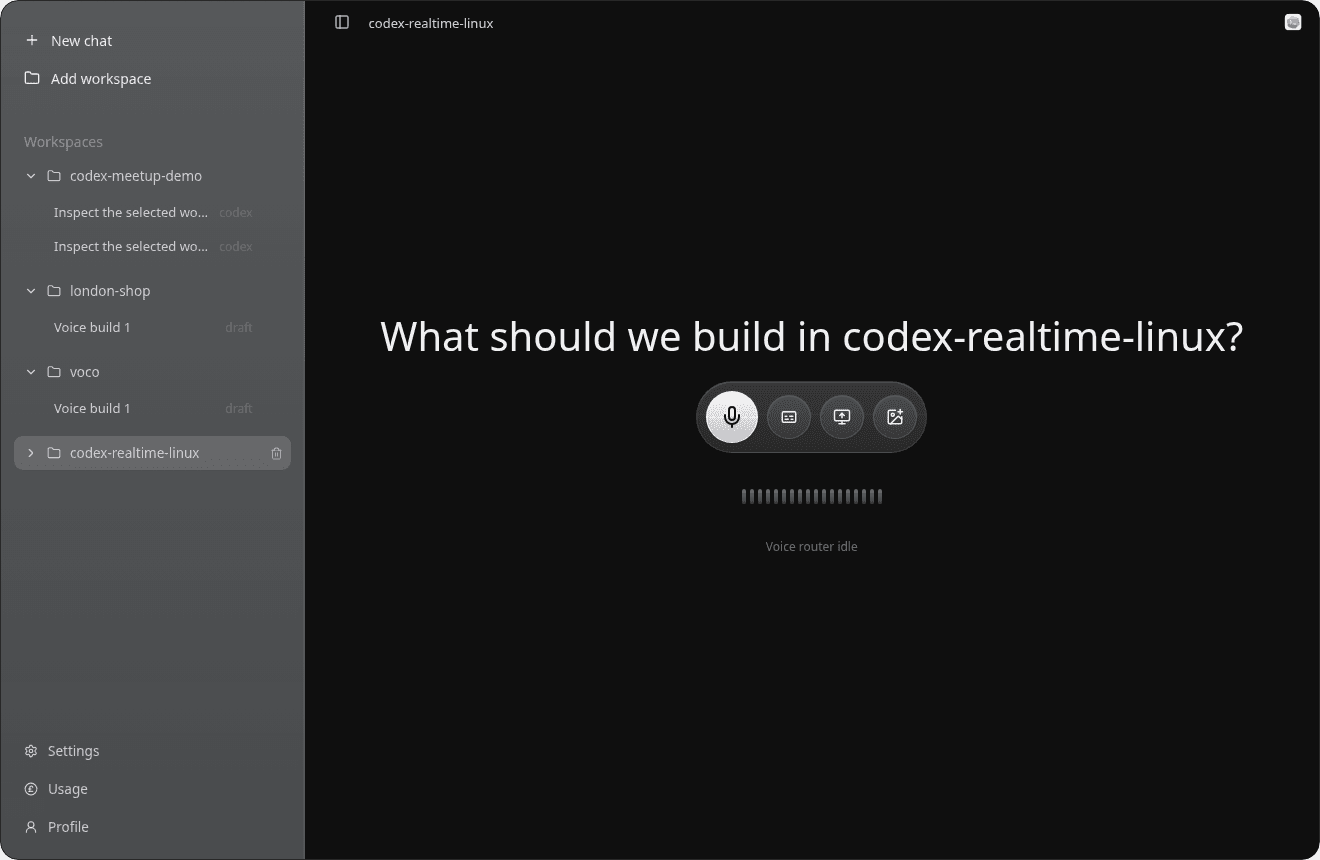
Codex should not only be able to converse with me, but also use my computer like I would.
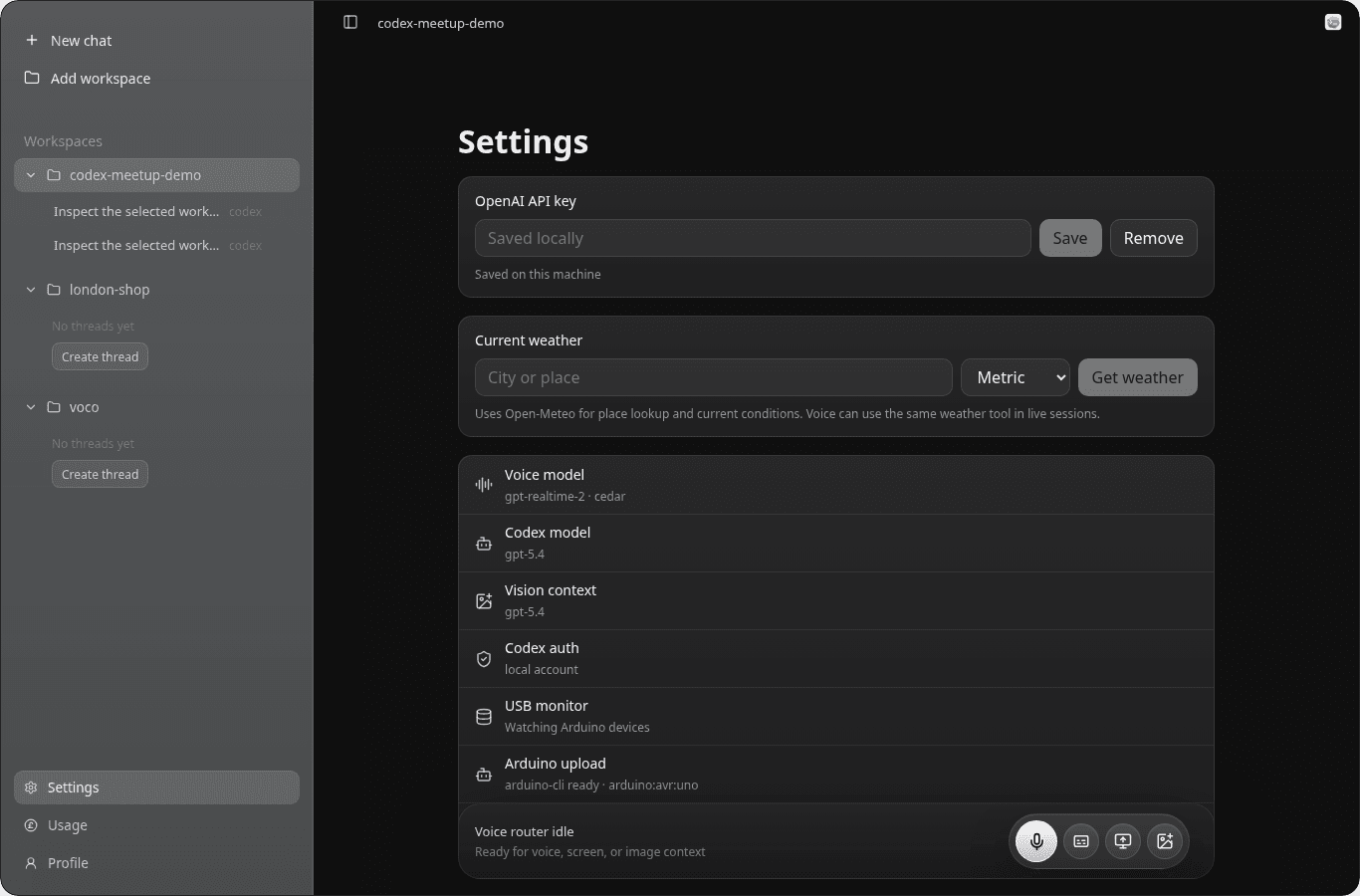
I used some API credits to get real-time voice working. Too bad this is not available through your ChatGPT subscription like Codex. I got the idea working, and I also brought an Arduino Uno because I wanted to demonstrate that Codex should not only be able to converse with me, but also use my computer like I would, especially when interacting with and deploying code to an Arduino.
This is something that, a year ago, would have sounded completely crazy.
Not anymore.
Demo submissions opened and the organisers announced that Codex would choose which projects would be presented on stage. That was the first filter to get through.
A lot of people submitted demos and, luckily for me, Codex liked my application and I got a spot on stage.
Codex liked my application and I got a spot on stage.
I have been watching people online like Lucas Meijer, Peter Steinberger, and Armin Ronacher, from whom I have been learning a lot, deliver their presentations using HTML files.
For this one, I thought: I am going to do it like the big guys do, with style.
Once I was happy with my demo, I asked Codex to build me an animated HTML presentation to deliver my intro, including a nice limbic opening.
I feel like the demo itself was really bad because I only had three minutes to deliver the whole thing.
Long story short... I got third place.
I could not even show the best part, which was Codex joking when I plugged my Arduino into my USB.
I do not even know why I pressed that button, but somehow I broke the whole thing.
Long story short... I got third place.
That meant 12 months of $200/month worth of tokens from one of the leading AI labs. I was genuinely happy and proud of myself.
I cannot lie, this little win had a big impact on my self-confidence, even if I thought the demo was rubbish. But hey, it was fun, and it was worth it.
Building things under time pressure is incredibly useful.
I think people saw beyond the Arduino not working. They followed the story and understood what I was trying to build.
Building things under time pressure is incredibly useful. It forces you to ship fast instead of being overly delicate or perfectionist.
In my case, I feel like that is exactly what I need: creativity bounded by limited time.
Here is the deck. I hope you like it!